Skip to content

Software directory

Apps

Runnable scientific tools, Android builds, desktop software, and browser applications by Filippo Galbo.

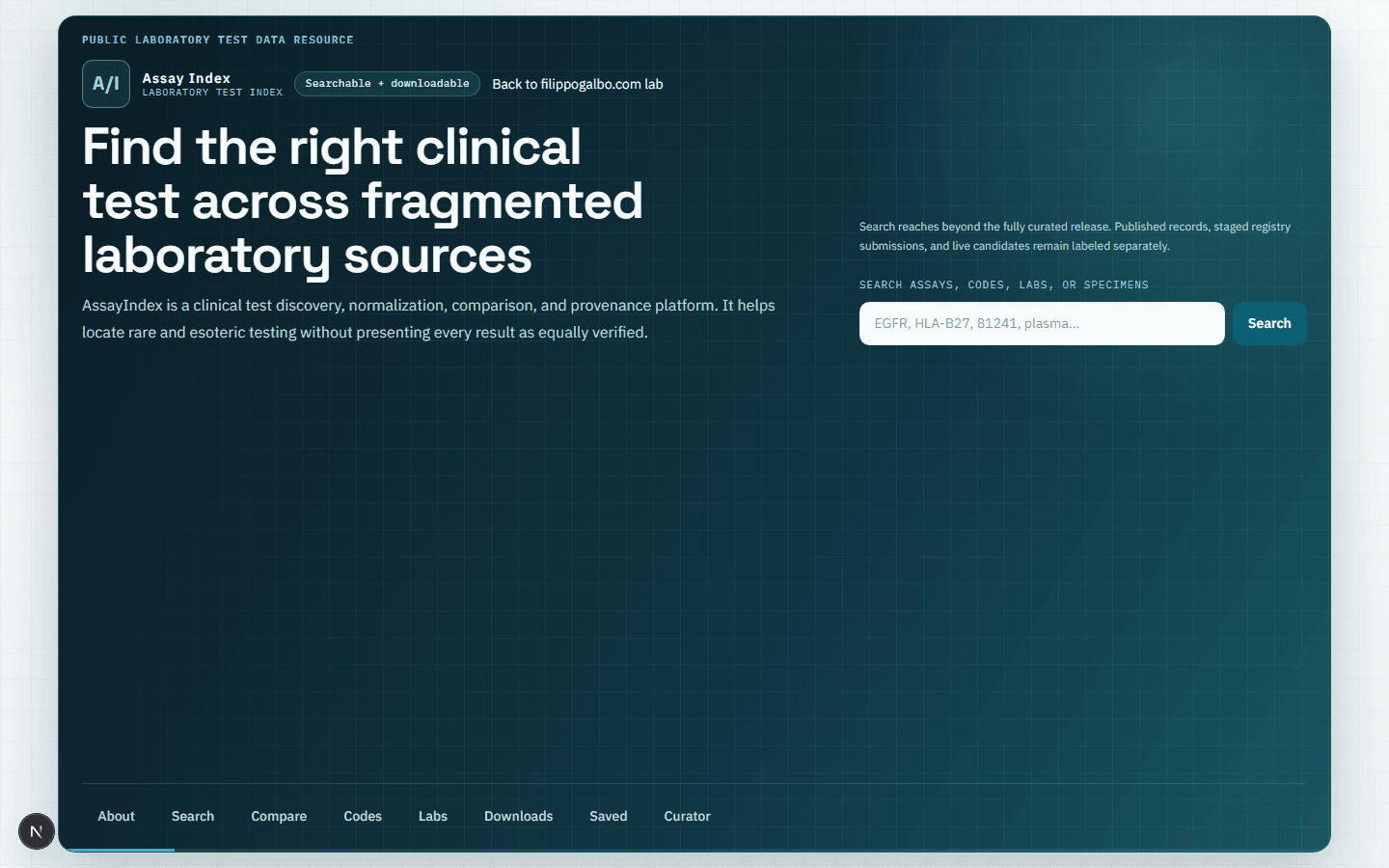
AssayIndex clinical laboratory test search interface
Web

AssayIndex

Clinical test discovery with deterministic acquisition, provenance states, comparison, and public downloads.
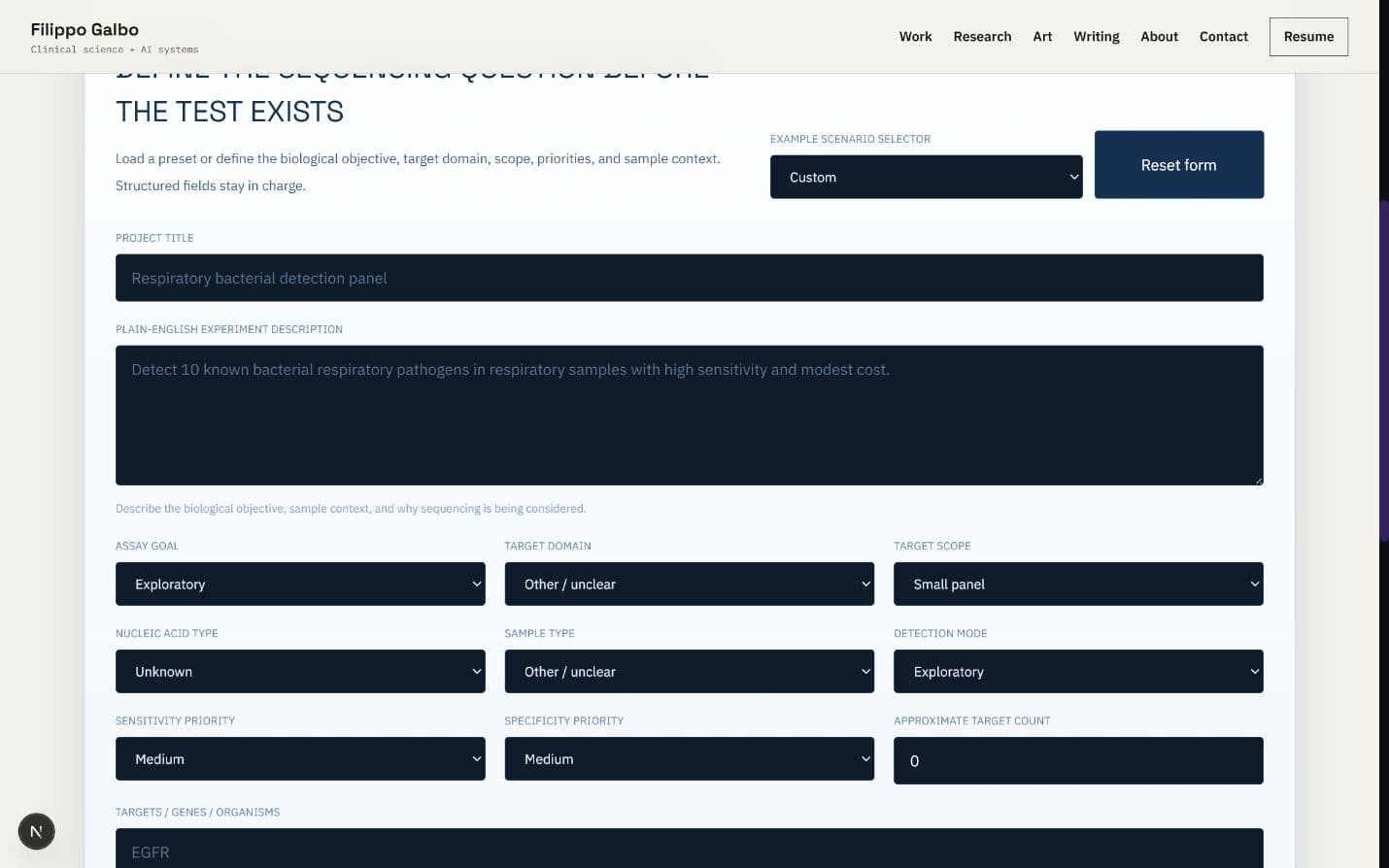
NGS Assay Planner browser interface with project definition fields
WebLocal system

NGS Assay Planner

Deterministic, validation-aware NGS strategy planning with transparent tradeoffs and risk flags.
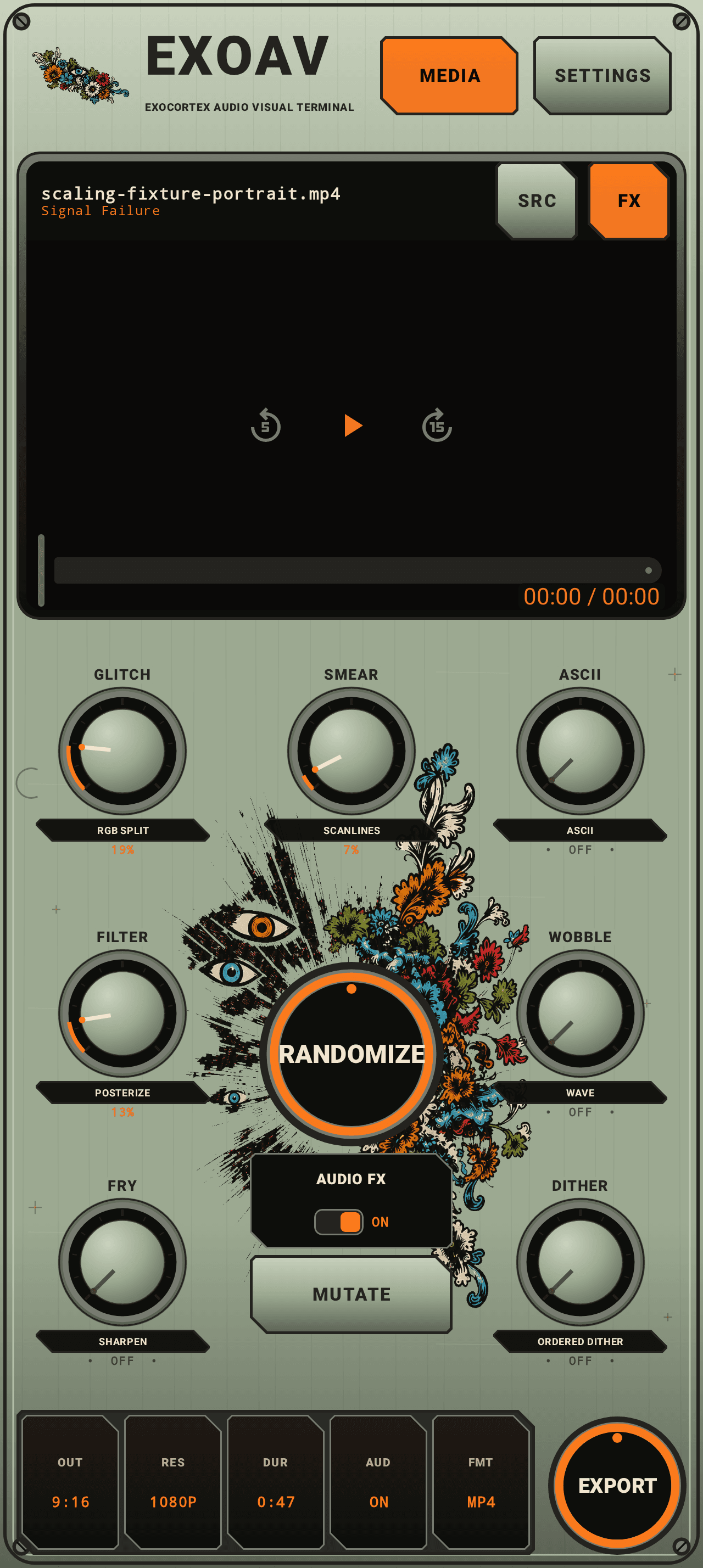
ExoAVT Android machine interface with media preview, effect controls, and export control
Android

ExoAVT

Native Android audio-visual processor with deterministic effects, reactive control, and MP4 export.

WindowsLocal system

Local Computer Use Agent

Supervised Windows automation with OCR, recovery ladders, and operator-visible logs.

Android releases

EXOIMAGEv0.1.2-gpu-preview

Android / local GPU Preview v0.1.2-gpu-preview debug build

EXOIMAGE

A private, fully local GPU Preview for the Pixel 10 Pro with arbitrary prompts, progress and cancellation, preview, save and share, history, diagnostics, and exact model-pack validation.

This arm64 GPU Preview does not bundle the roughly 1.99 GB learned model pack. Generation remains unavailable until the separate protected GPU Preview pack is downloaded and imported. It requests GPU execution for the encoder, FP32 GPU execution for the denoiser, and GPU execution with one-thread CPU fallback permitted for the decoder. LiteRT does not expose effective placement or delegation coverage here, and this build is not Tensor/NPU verified.

Private testing cohort

EXOIMAGE access required

Use the private beta password supplied directly by Filippo to unlock this local GPU Preview build.

The current local tester grant is shared with ExoAVT and remains active for 24 hours in this browser.

The APK and checksum stay outside the public site and are served only after the signed access cookie is verified.

Model-pack terms and provenance

Pack 1.1.0 contains converted BK-SDM Tiny derivatives and is distributed under CreativeML Open RAIL-M. Review all three exact notices before accepting the download. This research preview omits the upstream safety checker and is not approved for production or high-stakes use.

  • Import the exact versioned, hash-verified GPU Preview model pack into app-private storage through Android's system picker.
  • Run arbitrary prompts through the locally validated text encoder, denoiser, and decoder with one learned model resident at a time.
  • Keep one generation job at a time with cooperative cancellation, thermal and deadline guards, progress, preview, reproducible metadata, MediaStore save, and system sharing.
  • Expose truthful requested-accelerator, model-pack, runtime, and thermal diagnostics without claiming effective GPU placement or Tensor verification.
  • Keep models, prompts, and generated images local; the APK declares no Internet permission.

Install and test

Local GPU Preview workflow

  1. Open this page on a Pixel 10 Pro or another compatible Android 12 or newer arm64 phone.
  2. Enter the private beta password supplied by Filippo, then download the EXOIMAGE GPU Preview APK.
  3. Allow installs from your browser or file manager if Android asks, then install the debug-signed APK.
  4. Download the separate protected GPU Preview model-pack ZIP on this page, verify its SHA-256, then open EXOIMAGE and import it with Android's system picker.
  5. Enter a prompt, use 25 steps, and Generate; a Pixel 10 Pro run may take several minutes and cancellation occurs between synchronous learned calls.
  6. Confirm preview, History, Save, and Share work, and that diagnostics say LOCAL GPU PREVIEW: NOT TENSOR VERIFIED with effective placement reported as unknown.
ExoAVTv0.3.0-beta.25

Android / visual splicer beta v0.3.0-beta.25 debug build

ExoAVT

A native Android visual splicer for turning imported video or photos and embedded or attached audio into deterministic, audio-reactive effects and exported MP4 variations.

Beta 0.3.0-beta.25 keeps the complete seven-control and live-preview repair while giving the centered, single-line RANDOMIZE and EXPORT labels more breathing room inside their existing illuminated controls.

Private testing cohort

Recombinase access required

Want to test the operon splicer? Follow for development updates and comment BETA on the newest ExoAVT post to request access. I am personally selecting the first testing cohort. Access is limited and not guaranteed.

Then DM BETA, your phone model, Android version, and what kind of visuals or audio you make.

Codes are issued directly through the official profiles above. Never pay anyone for ExoAVT beta access.

  • Import an existing video or photo through Android's system photo picker, use the MEDIA control beside Settings to replace it, or Share/Open supported media with ExoAVT.
  • Attach WAV, FLAC, MP3, AAC, or other provider-supported audio through the system document picker.
  • Work through one responsive native machine whose decorative chassis extends beneath Android's system areas while every usable control stays inside the phone's safe insets.
  • Use seven persistent Glitch, Smear, ASCII, Filter, Wobble, Fry, and Dither control positions whose displayed effect assignments and values always reflect the current Randomize, Mutate, or manual result.
  • Analyze embedded or attached audio locally into a timestamped RMS/peak timeline, with the machine's signal light driven by the same analysis used by the effects.
  • Compare Source and Processed playback across 15 stateless effects: Posterize, RGB Split, Scanlines, Pixelate, ASCII, Exposure, Contrast, Black Crush, Saturation, Threshold, Ordered Dither, Sharpen, Vignette, Mirror, and Wave.
  • Drag anywhere on a loaded effect module to make a bounded direct change—even while it reads OFF—or tap its dial, label, or value area to toggle bypass while preserving the last nonzero amount; feedback reaches the visible preview immediately, and only the indicator moves while the bezel, scale, shadow, and lighting stay fixed.
  • Choose from 16 named organisms, including Operon Reactive, ASCII Reactor, Red Hot Burning, Ghost Signal, Necrotic CRT, Memory Wound, Mirror Cell, and Wave Machine.
  • Use seeded Randomize to choose and reroll a different non-clean organism, then use Mutate to vary the current organism while preserving its topology and effect locks.
  • Turn Audio FX to ON to enable descriptor-owned RMS/Peak routes for every effect-bearing organism, or leave it OFF for a static recipe.
  • Process photos through the same effects, organisms, Randomize, Mutate, intensity, and audio-reactive routes as video; a photo without imported audio becomes a 10-second composition, while imported audio sets its composition duration and reactive timeline.
  • Inspect human-readable recipe values and set one shared global intensity from 0–200% in Settings; 100% preserves the authored look and higher values use bounded effect-specific overdrive.
  • Normalize supported HDR input to a protected SDR working surface on Android 10 or newer before effects and export.
  • Export the processed result as an H.264/AAC MP4 through Android's save picker, with progress, cancellation, encoder-safe photo sizing, and embedded, imported, mixed, or muted audio policies.
  • Save versioned projects and patches in app-private storage, then explicitly resume the last session or start fresh on launch.
  • Keep media centered and aspect-correct inside the native hardware preview bezel, with Compose Settings and default-off Technical Details secondary to the creative flow while preserving diagnostic access for beta testing.

Install

Android beta installation

  1. Open this page on an Android 8.0 or newer phone or tablet.
  2. Download the APK and allow installs from your browser or file manager if Android asks.
  3. Install ExoAVT, open Effects, then choose Import media or share/open a supported video or photo with the app.
  4. Use SRC and FX inside the compact monitor to compare the clean and processed loop.
  5. Press the illuminated Randomize control to choose a different organism or Mutate to vary the current one, then confirm the visible effect names, values, and dial pointers update to match the result.
  6. Turn Audio FX to ON, confirm the machine's signal light responds when analysis is ready, and adjust Global intensity to taste.
  7. For a photo, optionally attach separate mastered audio; after analysis it sets the composition duration and becomes the reactive and export source.
  8. Under Output, press the illuminated Export control, select a save location, and keep ExoAVT open until Android reports that the MP4 was saved.
  9. Use Settings only when you need project or technical controls; Live is an honest preview of the planned performance surface and does not record from the camera yet.
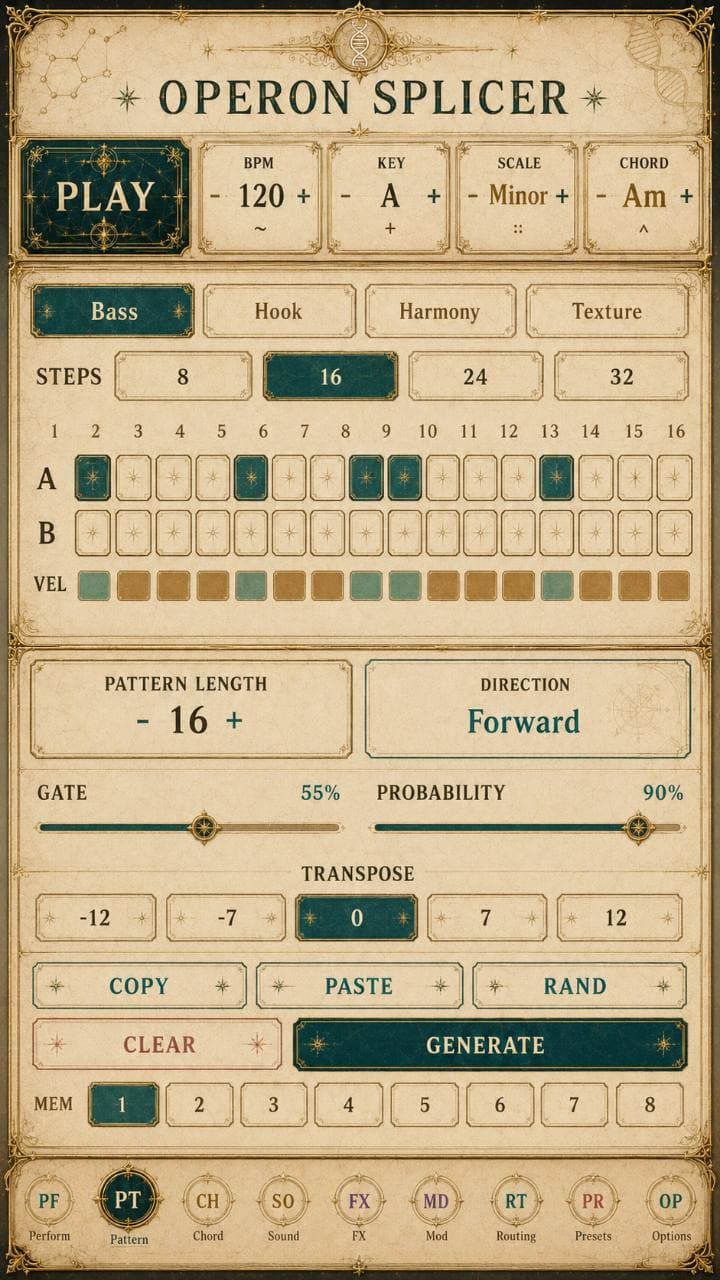
Operon Splicerv0.1.29 / Experimental test build
Operon Splicer app icon

Android / v0.1.29 / Experimental test build

Operon Splicer

Experimental Android test build with four chord-aware lanes, internal audio, 29 synthesis engines, saved lane sounds, optional USB MIDI, and dry or processed WAV stems.

  • Four chord-aware lanes: Bass, Hook, Harmony, and Texture, with internal phone audio and no external MIDI hardware required.
  • 16,400 role-specific sound recipes built from 164 authored foundations and 100 deterministic profiles; recipe variations are not separate DSP engines.
  • 29 playable engines, adding ScannedWavetable and ParticleResonator to the existing synthesis families.
  • 96 named FX palettes with tempo-aware delay, ambience, granular, freeze, memory, chorus-orbit, all-pass phaser, modulation, and final limiting.
  • Sound Tools saves individual lane sounds with favorites, tags, and velocity expression that shapes timbre as well as volume.
  • Related enables opt-in pattern variation that preserves melodic motifs during Recombine or Pattern RAND/GENERATE.
  • Options WAV export saves the current mix or four independently rendered lane stems, dry or processed, as an exact loop or with an optional 8-second tail.
  • Exports 4, 8, 12, 16, 24, or 32-beat stereo WAVs; the Perform beat buttons retain processed exact-loop export by default.
  • Output protection combines DC blocking, RMS guarding, and final sample limiting.
  • Per-lane mute, volume, stereo pan, and FX send are preserved in phone playback and WAV export.
  • Chord- and scale-aware organic, Euclidean, arpeggio, syncopated, and 16-step-aligned clave pattern generation.
  • Recombine, Randomize, Mutate, Engines, Drift, and Undo transform actions.
ExoAndroidAudioAnalyzerv1.4
ExoAndroidAudioAnalyzer logo

Android / v1.4 debug build

ExoAndroidAudioAnalyzer

On-device BPM and dominant-pitch analysis for Android and local model workflows.

The app accepts an audio file, runs the analysis on the phone, and reports structured observations without sending the analysis through a desktop Python service.
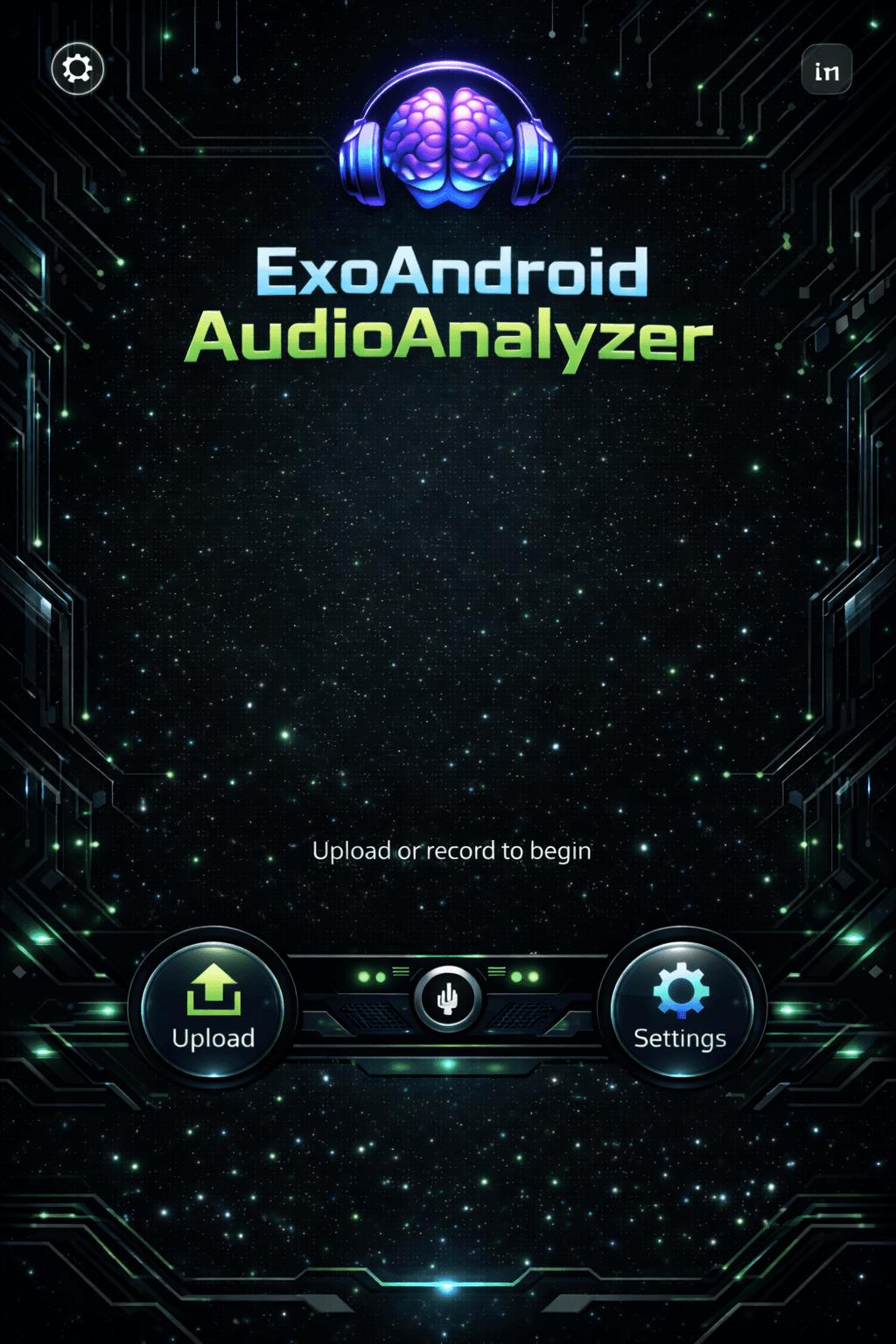
ExoAndroidAudioAnalyzer interface preview
  • Analyzes audio files on the Android device.
  • Returns deterministic BPM and dominant-pitch observations.
  • Runs without a Python or cloud analysis backend.
  • Includes a direct APK download and SHA-256 checksum.

Install

Android installation

  1. Open this page on your Android phone.
  2. Download the APK and allow installs from your browser or file manager if Android asks.
  3. Open ExoAndroidAudioAnalyzer and choose an audio file.
  4. Run the analysis on-device and review the BPM and dominant-pitch observations.